Repetition schedules
Repetition schedules are a specialized type of schedule used to automate the re-broadcasting of previously aired episodes. They are created by linking them to existing, standard schedules, which serve as their source.
When creating a new repetition schedule, you have the option of selecting an existing schedule (hereinafter referred to as “original schedule”) whose content you want to repeat in the new schedule. The broadcasts from the original schedule are re-created chronologically as repetition broadcasts. You can choose which broadcast you want the repetition to start with.
Create repetition schedule
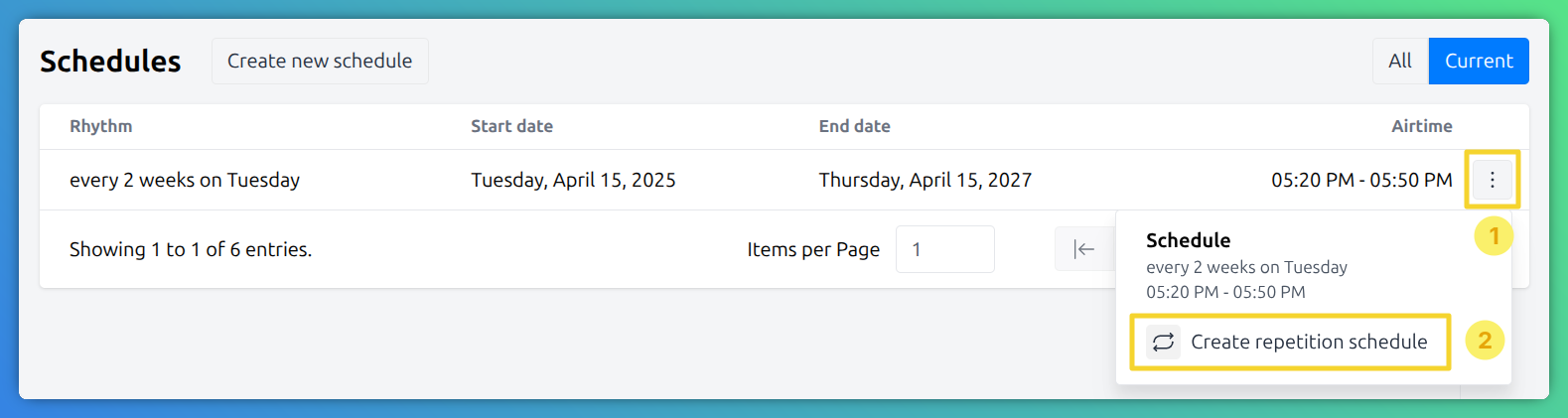
Repetition schedules can be created by clicking the 3-dots button (burger menu) (1) on the right hand side of the schedule list. This opens a context menu where you can create a repetition schedule (2), which relates to the selected schedule.
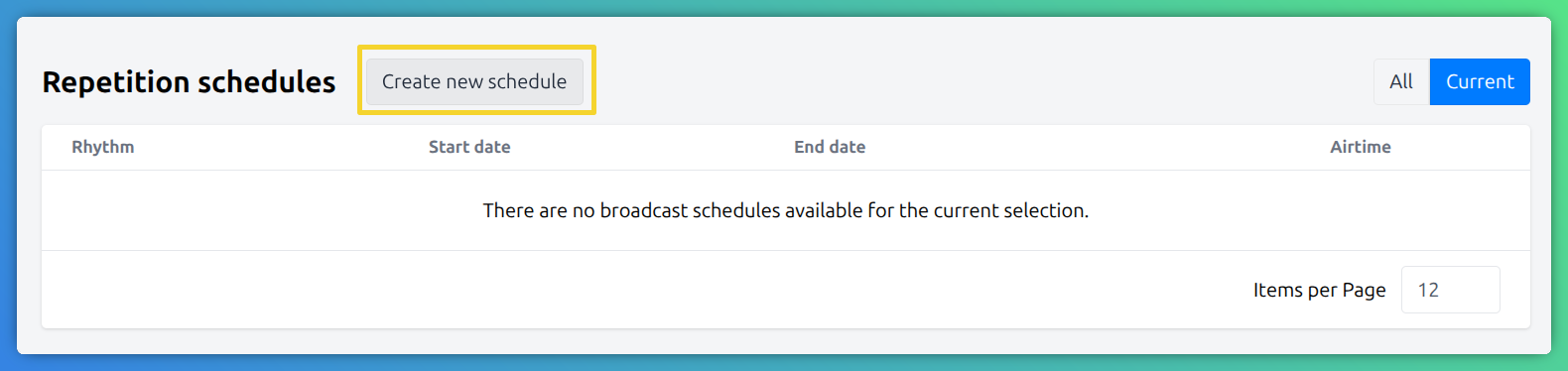
Alternatively a repetition schedule can be created from the schedule detail view. Here simply click the Create new schedule in the repetition schedule block.
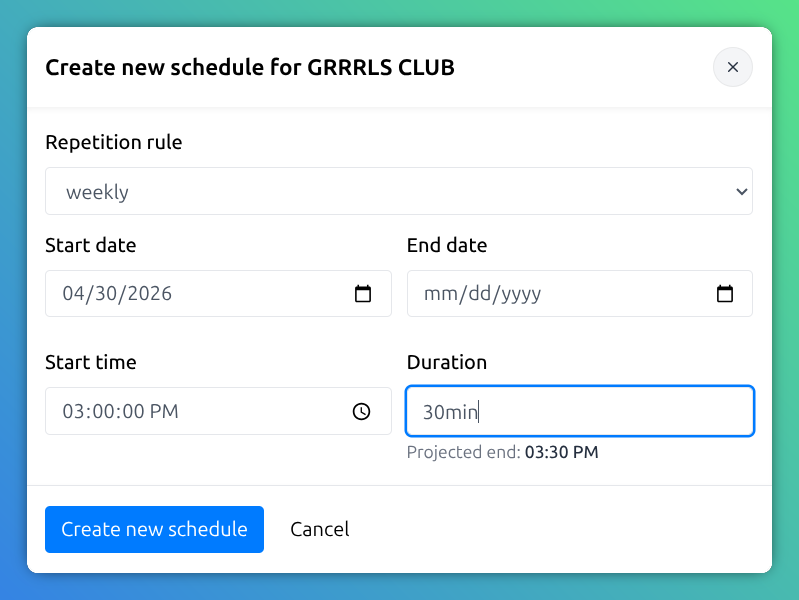
In the following dialog provide the details for the repetition schedule.
Once a repetition schedule is set up, no additional configuration is needed.
The playout system automatically broadcasts the recording of any episode that was previously aired and recorded.