Manage groups
Before proceeding learn more about roles and permissions.
Modifying groups should be planned with the radio managers and IT administration, since groups and permissions are usually carefully planned and defined within the whole organisation.
List groups
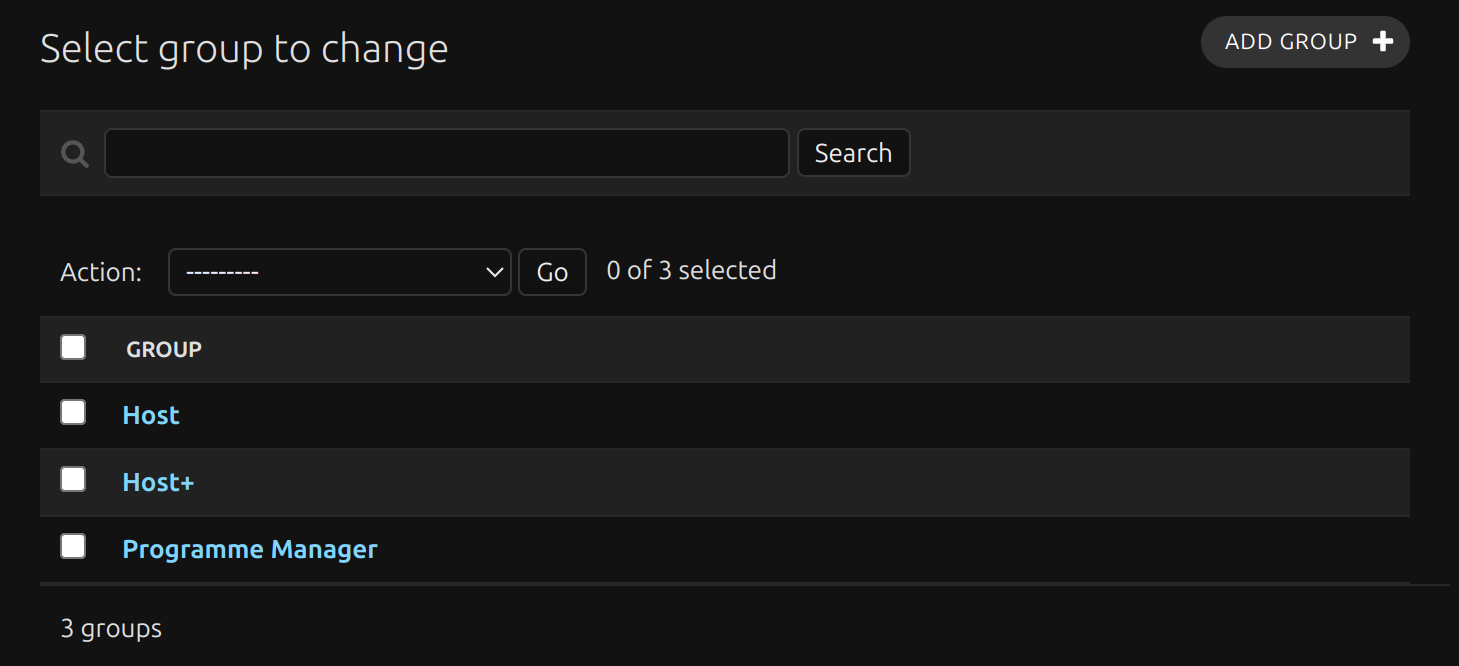
Click Groups to get a list of available groups.
Edit group
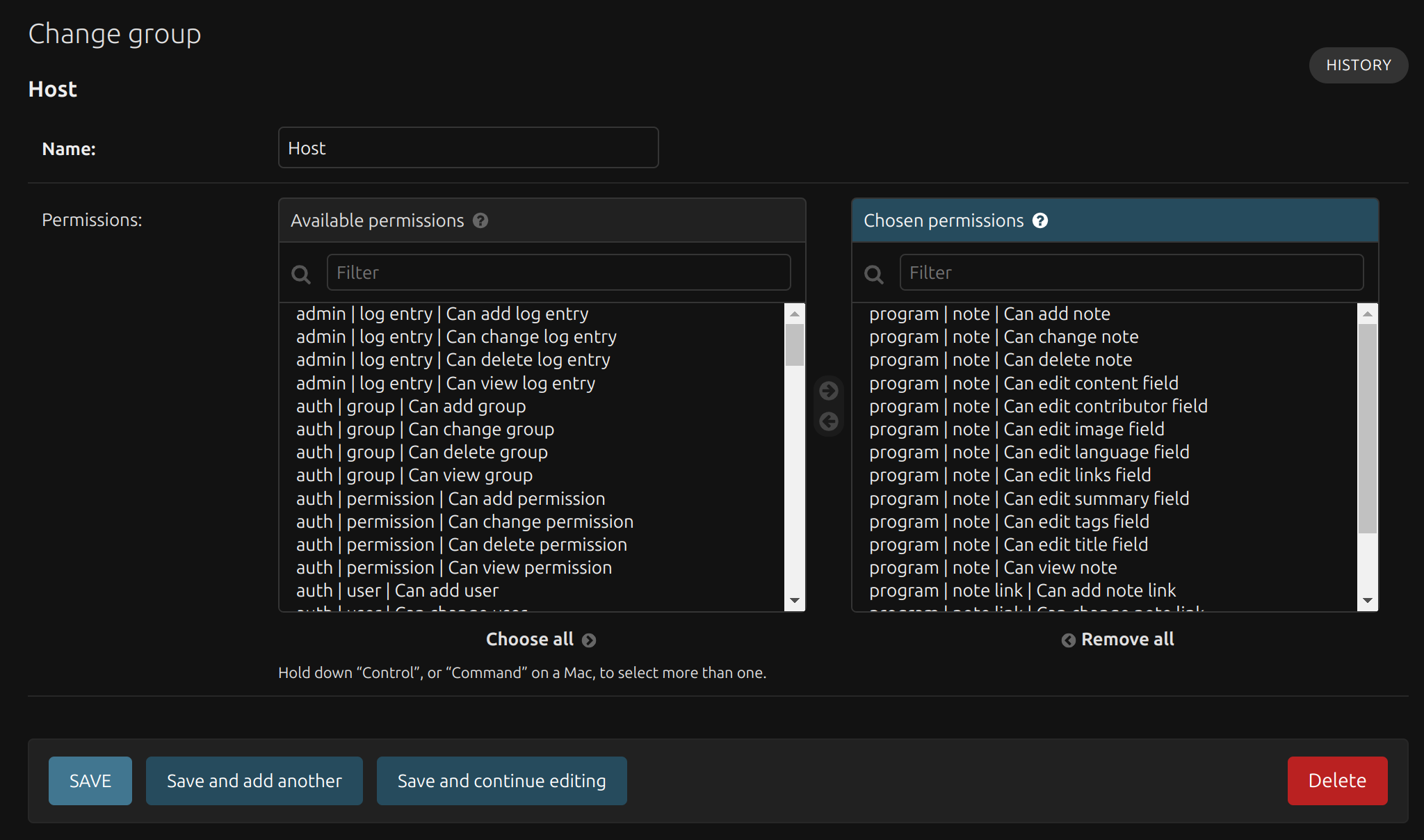
To edit the group click the group name in the list.
In that user interface you can change the group name or edit the set of permissions for that group.
Add group
To add a group click the Add group button.
Clone group
To clone an existing group, click Save as new while editing the group.
This is helpful if you want to have similar groups but with different names when configuring LDAP mirroring.