Getting Started
The AURA Dashboard is a browser application allowing:
Hosts to upload and manage their shows and episodes.
Program Managers to manage the radio station and its program.
Requirements
Dashboard is currently supported by these Desktop browsers:
Chrome 115+
Firefox 122+
Dashboard provides basic support for mobile browsers as well (Mobile Chrome, Mobile Safari).
Login to Dashboard
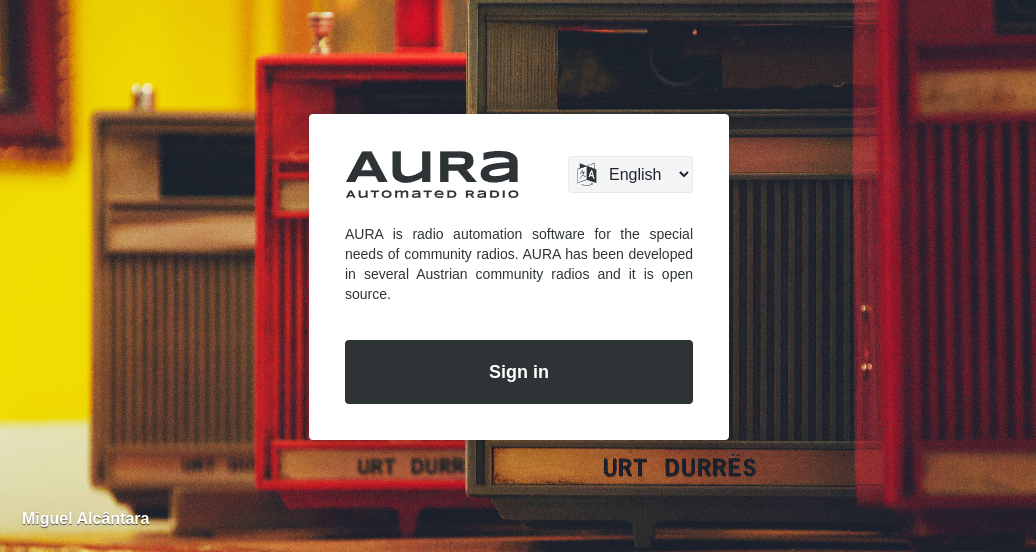
Navigate to the URL of your AURA installation, then click the Sign In button to open your personal dashboard.
Use the credentials provided by your radio station.
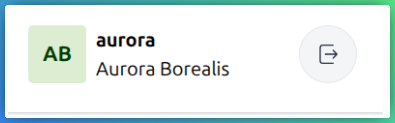
After login you see your profile badge on the left top. Within that badge, click the icon on the right to sign out again.