Current user settings
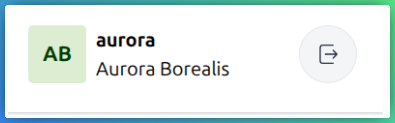
To edit your personal account and profile information, click on your username on the badge located in the bottom section of the sidebar.
Edit account details
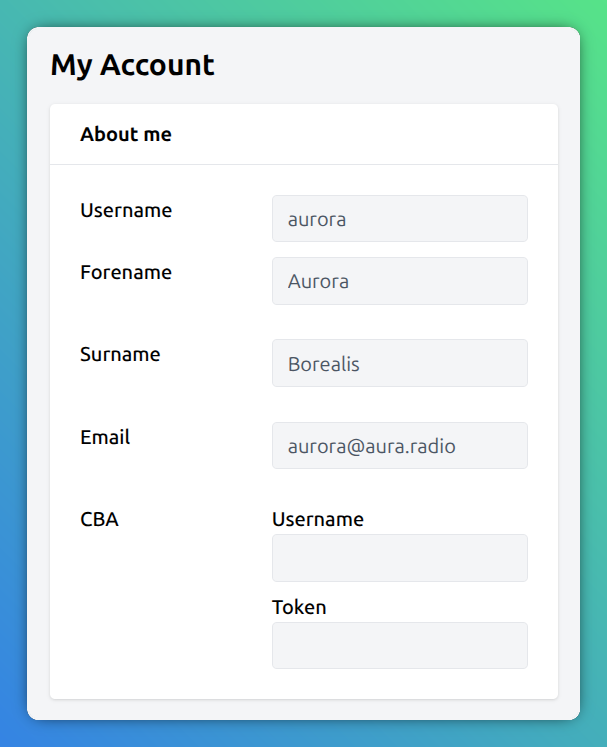
In the My Account section you can view your internal account data. This information is usually only editable by program managers or administrators.
In the CBA section the fields Username and Token are used to store the user and password credentials of your Cultural Broadcasting Archive (CBA) account. In an upcoming feature this allows you to manually or automatically publish your episodes to the CBA.
Edit preferences
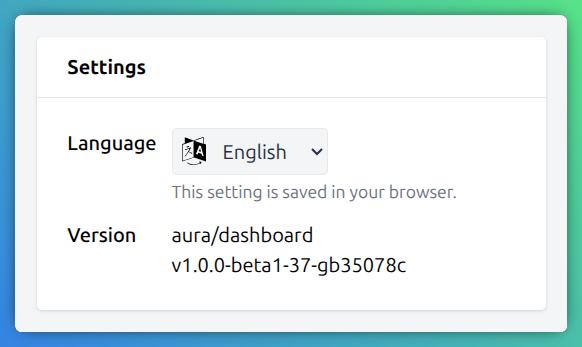
In the settings block you can change the appearance by modifying one of
Language: Switch between English and German UI language
Version: The current Dashboard version. Useful for bug reports.
Edit profiles
The My Profiles block lists all public profiles you are managing.

Since this information is used for the radio website, always keep it up to date.
You can provide some biography, an avatar or a list of links to your website and social media profiles.
Note, that the biography can be provided in several languages. To enter a biography in another language, simply choose the language first using the language dropdown on the right-top next to the Translation language label. After selecting a language, enter the appropriate text in the biography field.
