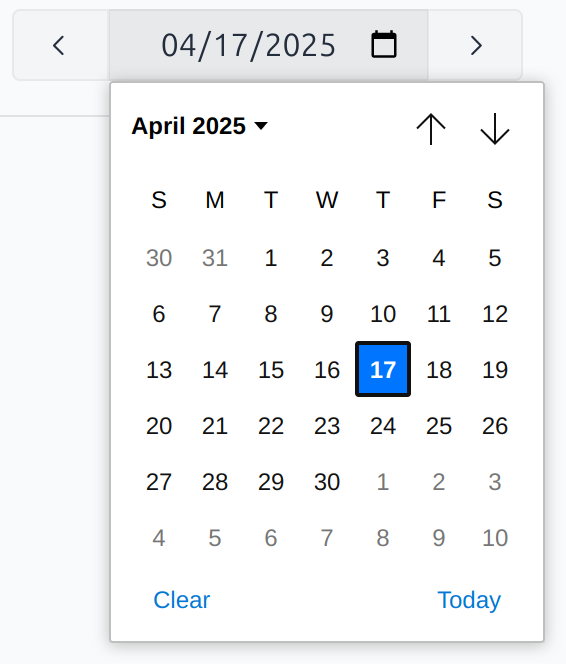
Day Calendar
The Day Calendar provides an overview of your radio program schedule for a specific day.
Calendar entries
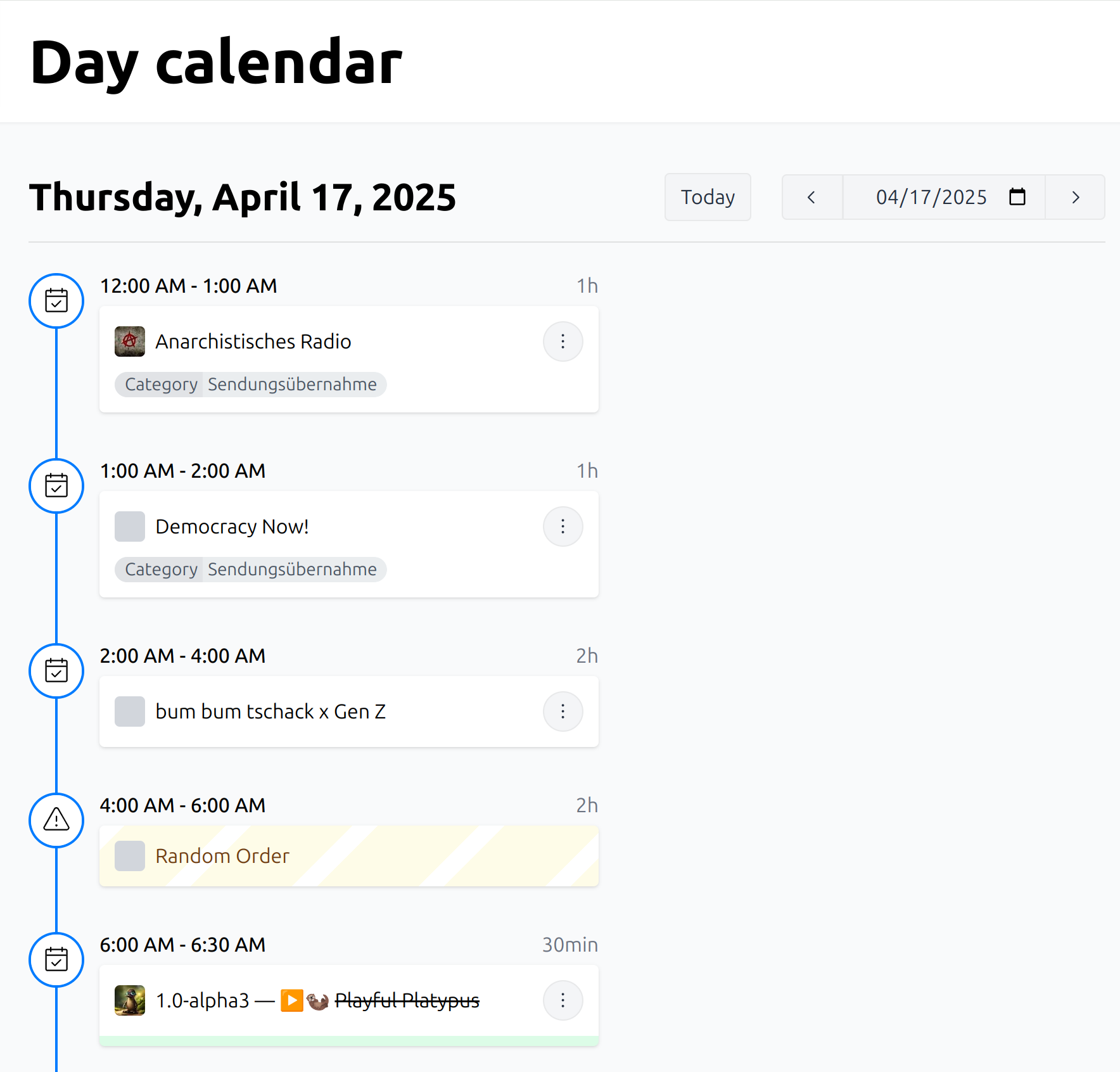
Each calendar entry represents a broadcast date with an assigned episode.
The Day Calendar displays various relevant details, including:
The start and end time of the broadcast, plus the duration
The show name and episode title
The episode image, and show logo as a fallback
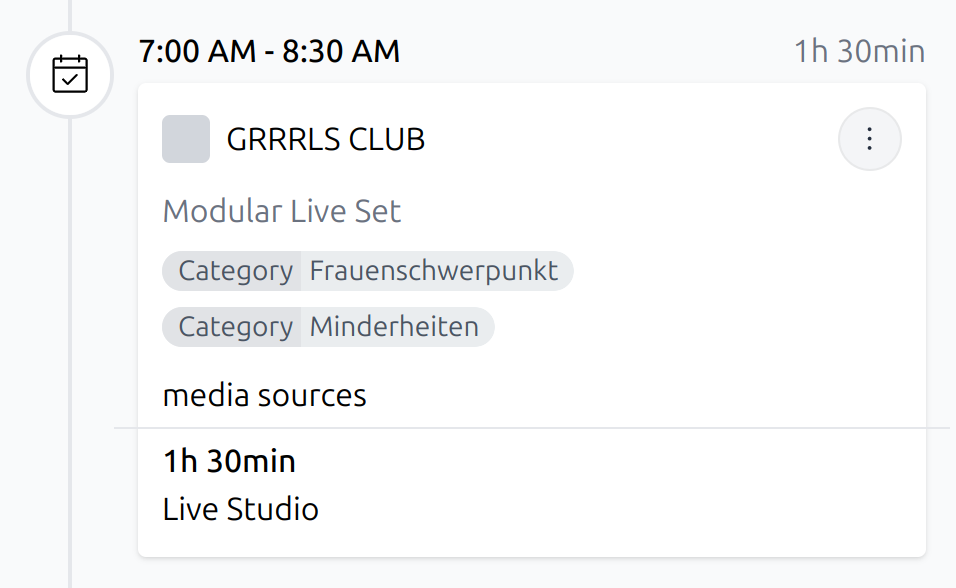
Any categories assigned
Information on any assigned media sources
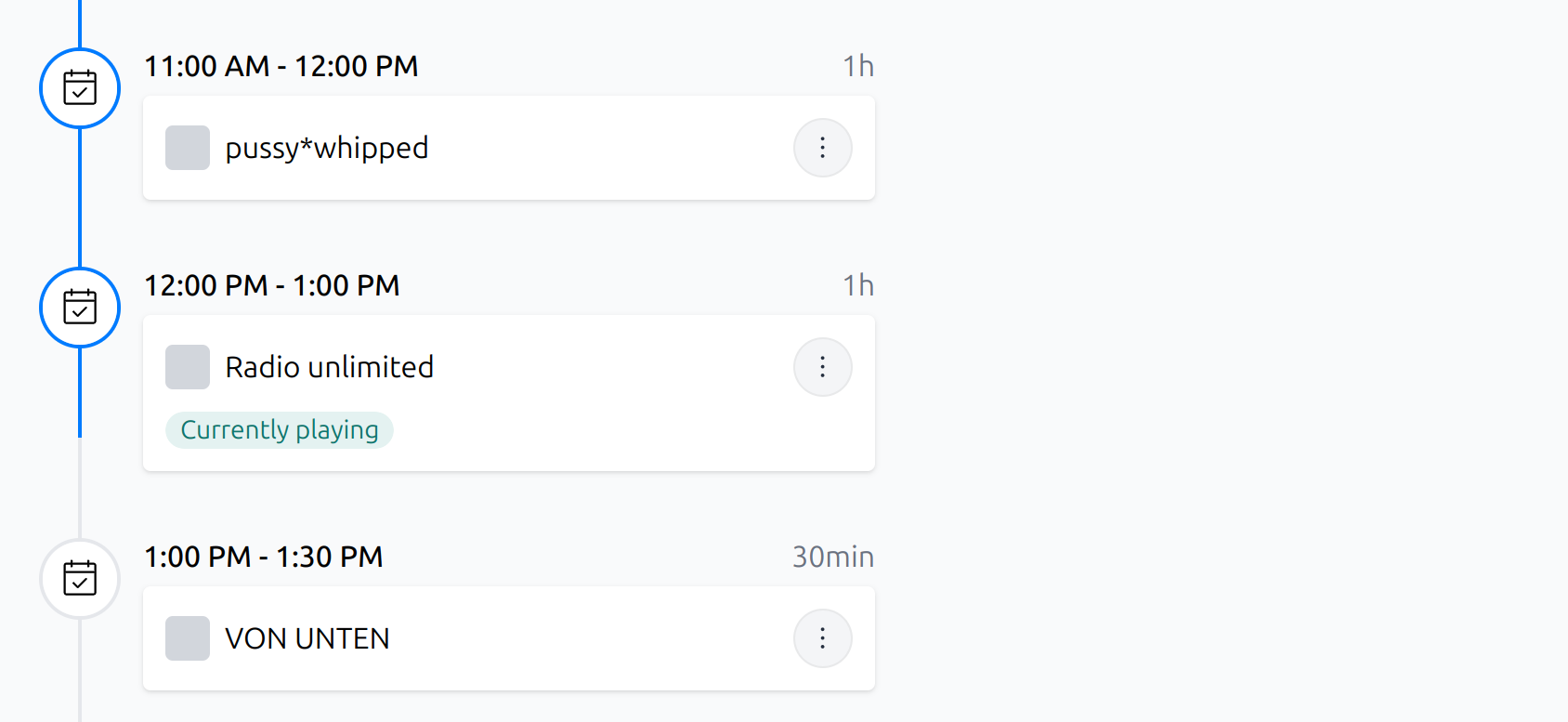
The vertical blue line in the sidebar indicates the progress of the currently playing broadcast.
Edit calendar entries
Click the item to open the context menu with the available actions.
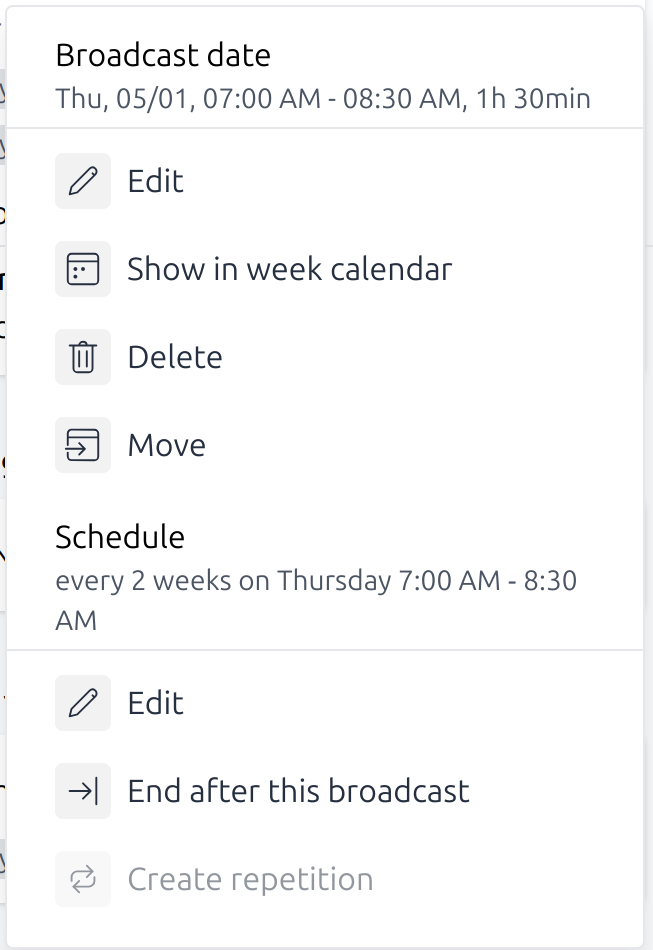
In addition to general information such as the broadcast date/time and the schedule time range, the dialog provides the following actions:
Broadcast actions
- Edit:
Modify the episode details, including metadata, image, and media sources.
- Show in week calendar:
Jump to the calendar week, containing this broadcast.
- Delete:
Remove this broadcast. Note: The assigned episode data will not be deleted.
- Move:
Reschedule this broadcast to a different date and/or time.
Schedule actions
- Edit:
Modify the schedule settings.
- End After This Broadcast:
Terminate the schedule following this broadcast.
Date navigation
The Today button returns you to the current day.
Use the date picker to jump to some specific day.