Development Environments
We have two instances which are automatically deployed using GitLab:
dashboard.aura.radio - Developer/Testing instance holding the latest codebase of the
mainbranches.demo.aura.radio - Demo instance with a stable release, based on a release tag configured in GitLab.
Latest development instance (dashboard.aura.radio)
We use the gitlab-ci for Deploying specific versions of aura.
You Can adjust the Container versions at gitlab-ci
  AURA_STEERING_VERSION: "main"
  AURA_BATTERY_VERSION: "main"
  AURA_DASHBOARD_VERSION: "main"
  AURA_DASHBOARD_CLOCK_VERSION: "main"
  ...
Choose between Docker Registry or Gitlab-Registry at gitlab-ci
DOCKER_REGISTRY: "docker"for Docker hubDOCKER_REGISTRY: "gitlab"for Gitlab registry
After committing your desired changes, Gitlab auto-deploys this version.
Note, that the Pipeline will only run on protected branches.
Latest release instance (demo.aura.radio)
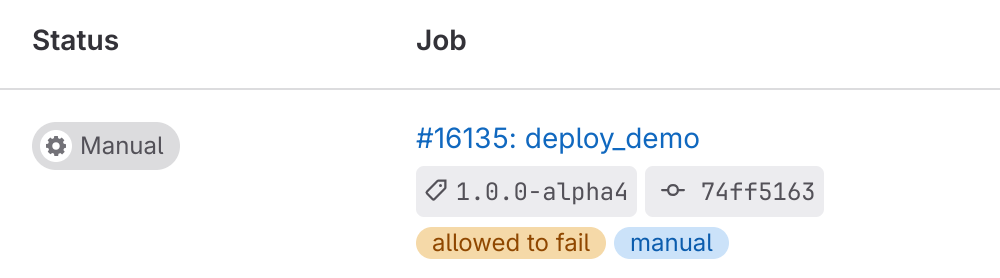
When a new Tagged Release is published, Gitlab can be used to deploy this release by running some manual deployment step.
To start deployment of a release go to aura > Jobs and filter for jobs with the status “Manual”.
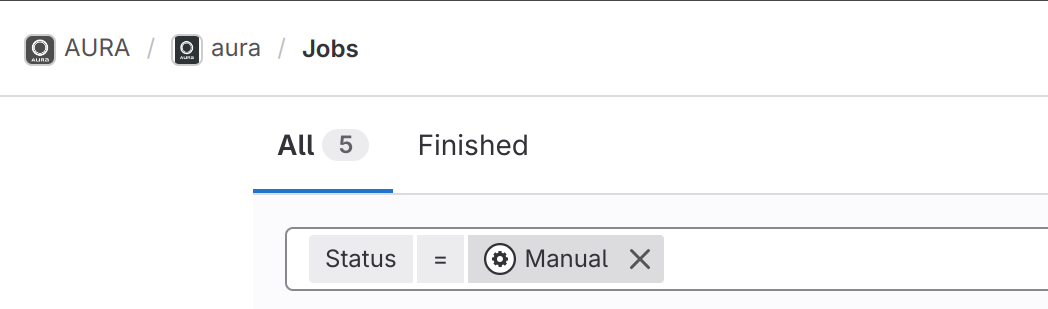
Now click on the release job you want to deploy.
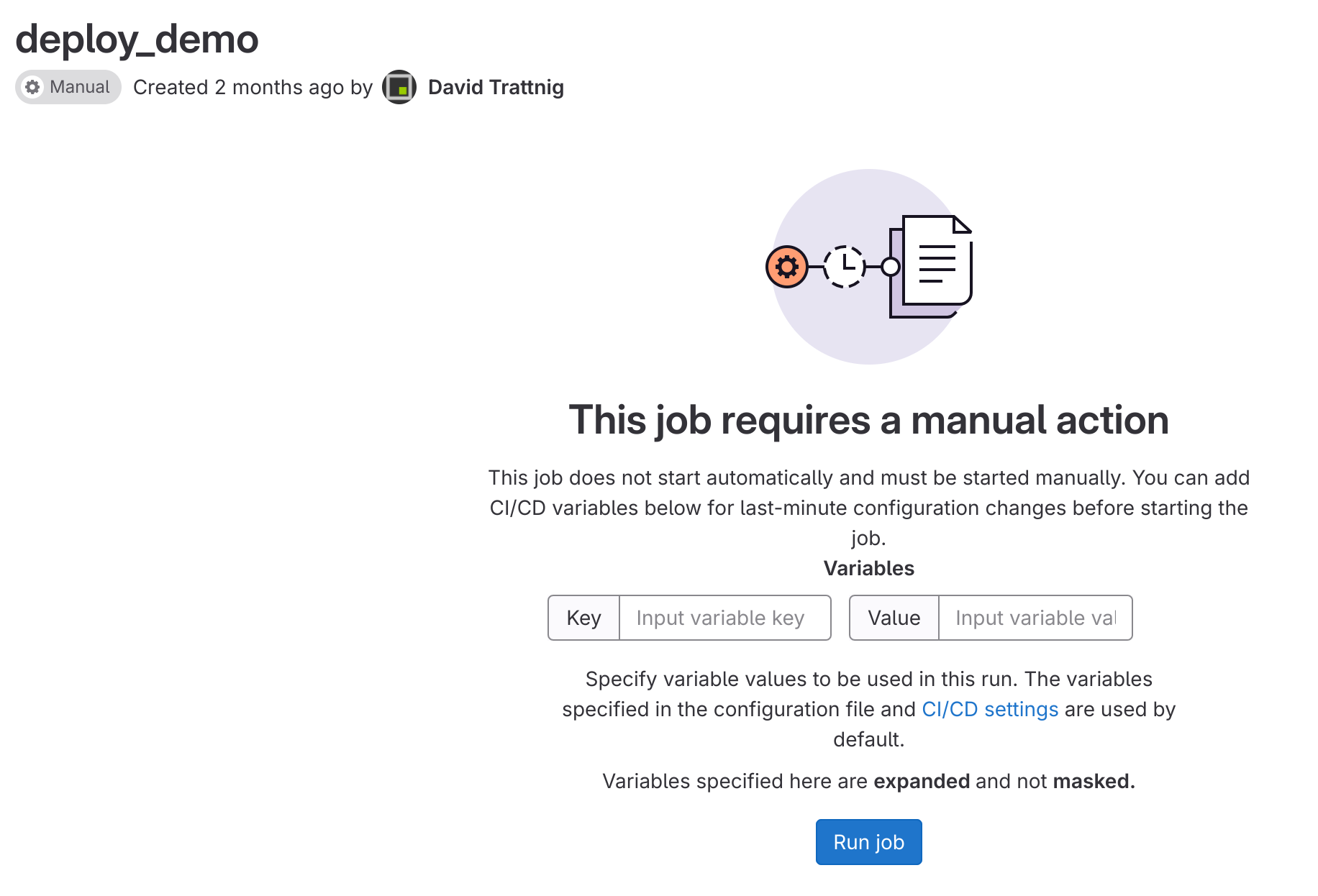
Simply click the button “Run” to deploy the release.
Auto Deployment based on feature branches
While this is currently not used, the Auto Deployment feature also provides custom builds based on feature branches.
For all components, feature branches automatically build Docker containers and push them to the gitlab-registry.
To roll out new features, the Compose-File, must be set to the corresponding tag of the feature branch.
After the commit, the version will be rolled out automatically.